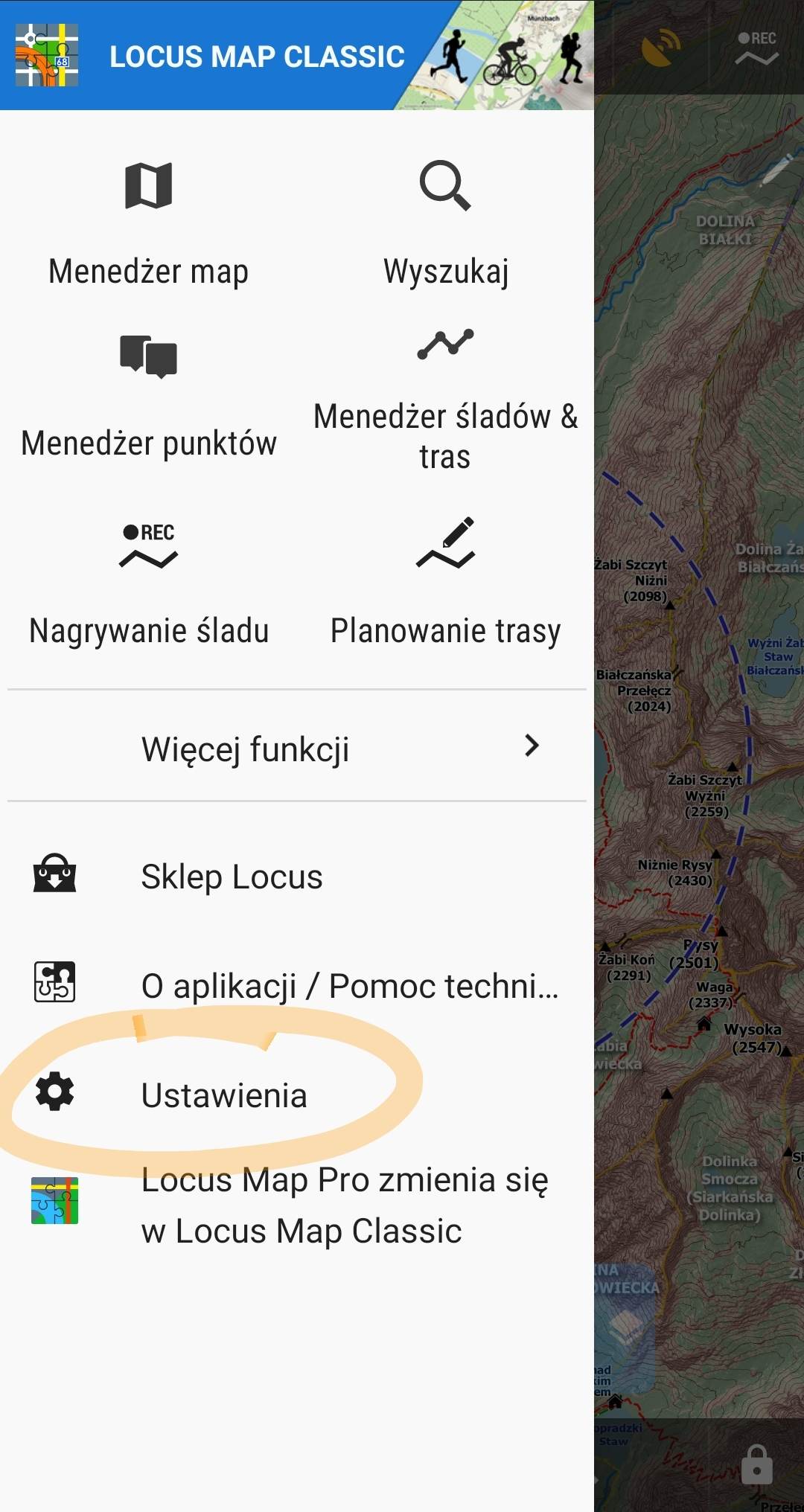
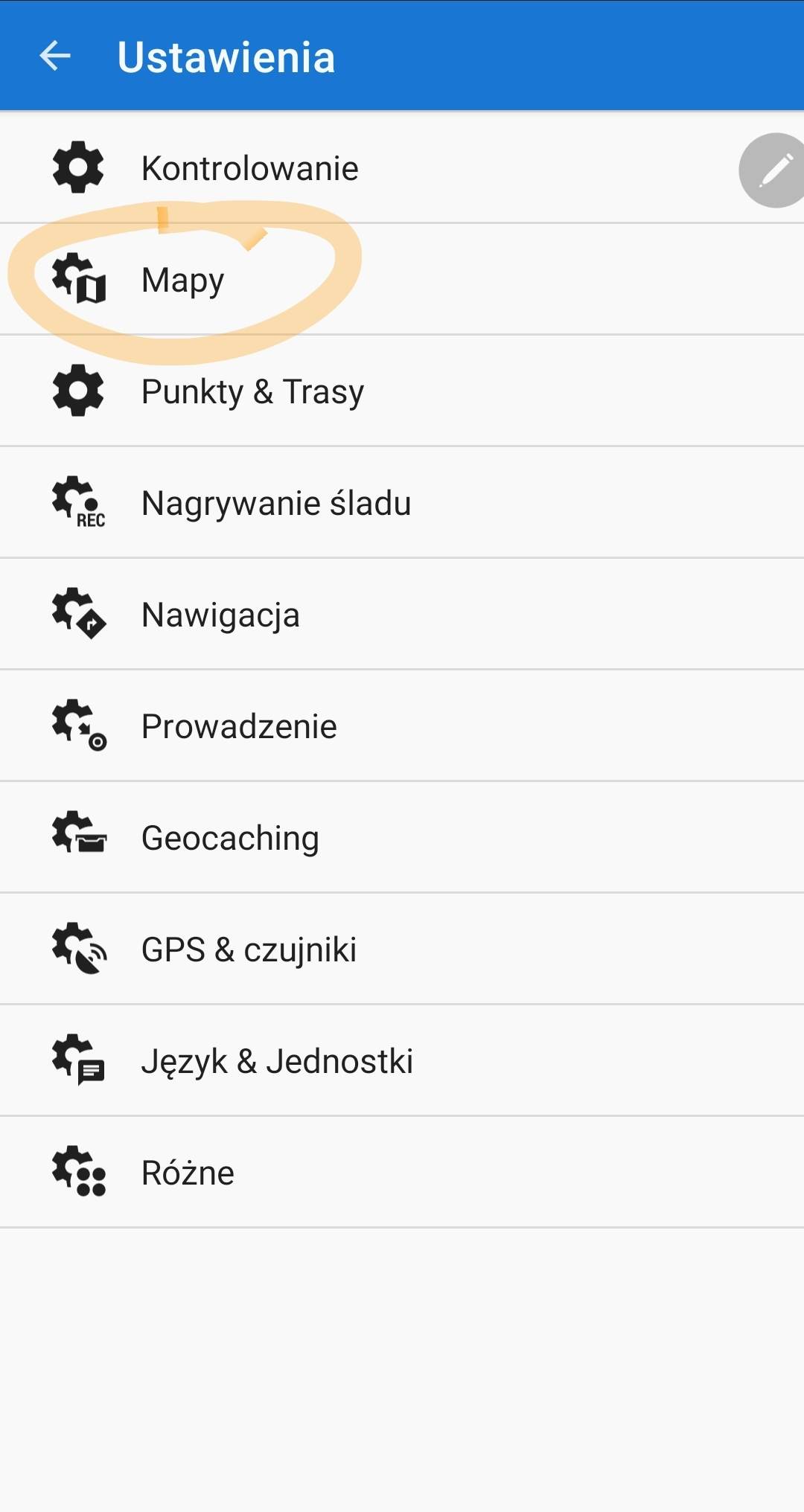
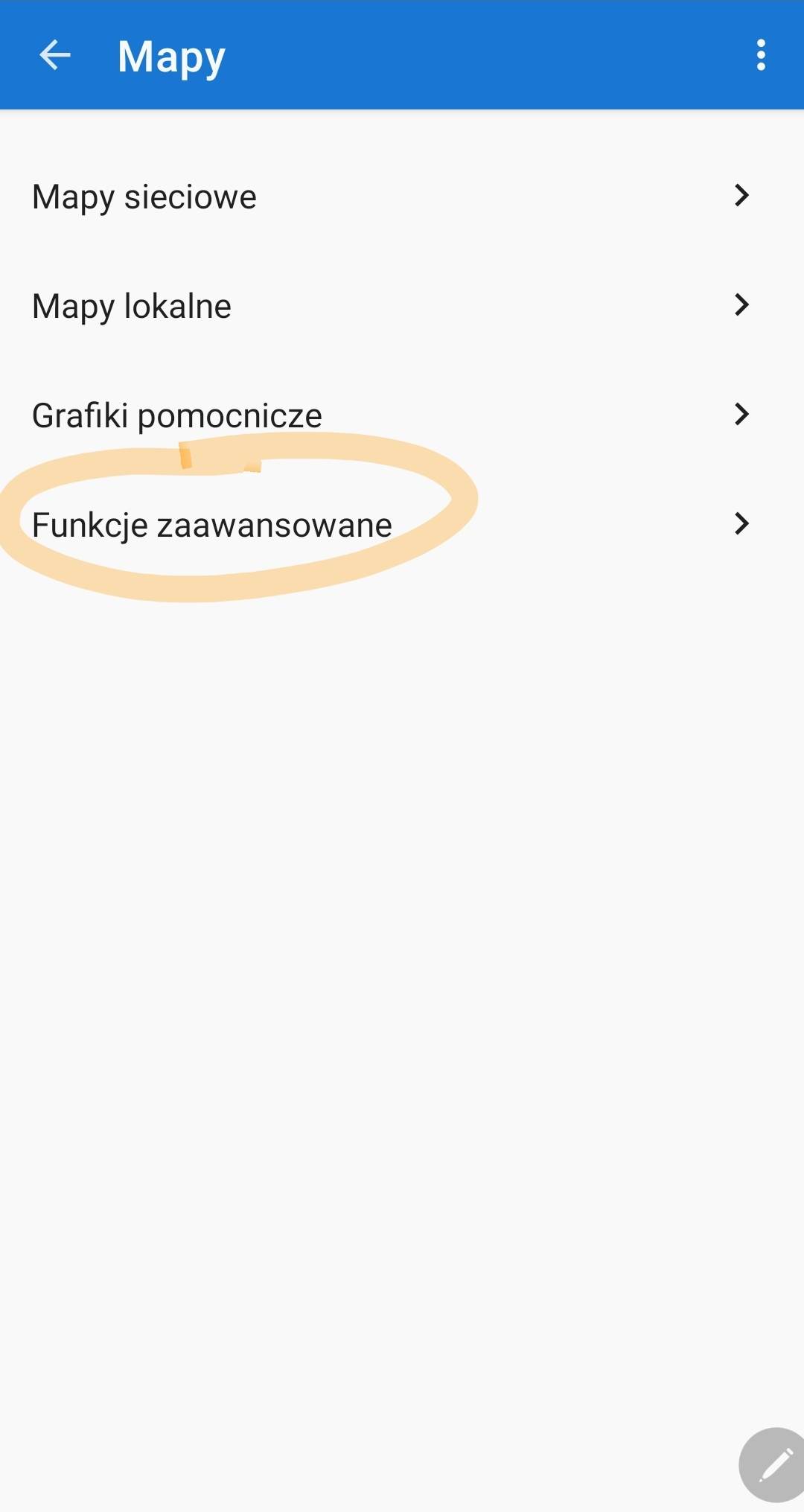
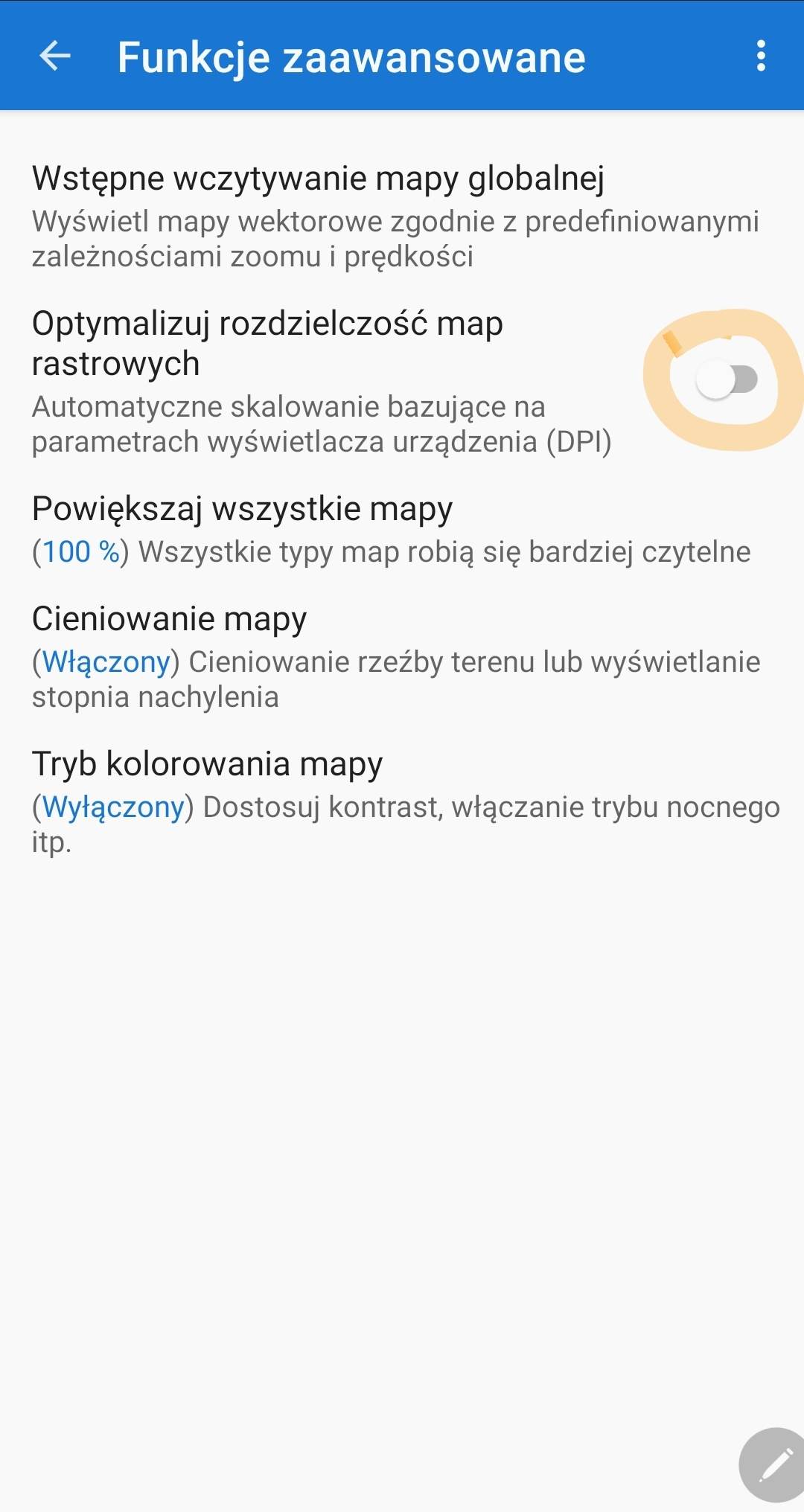
IMPORTANT! In order for the map to display properly, you may need to adjust the app settings as I explained below.
Open app manager:
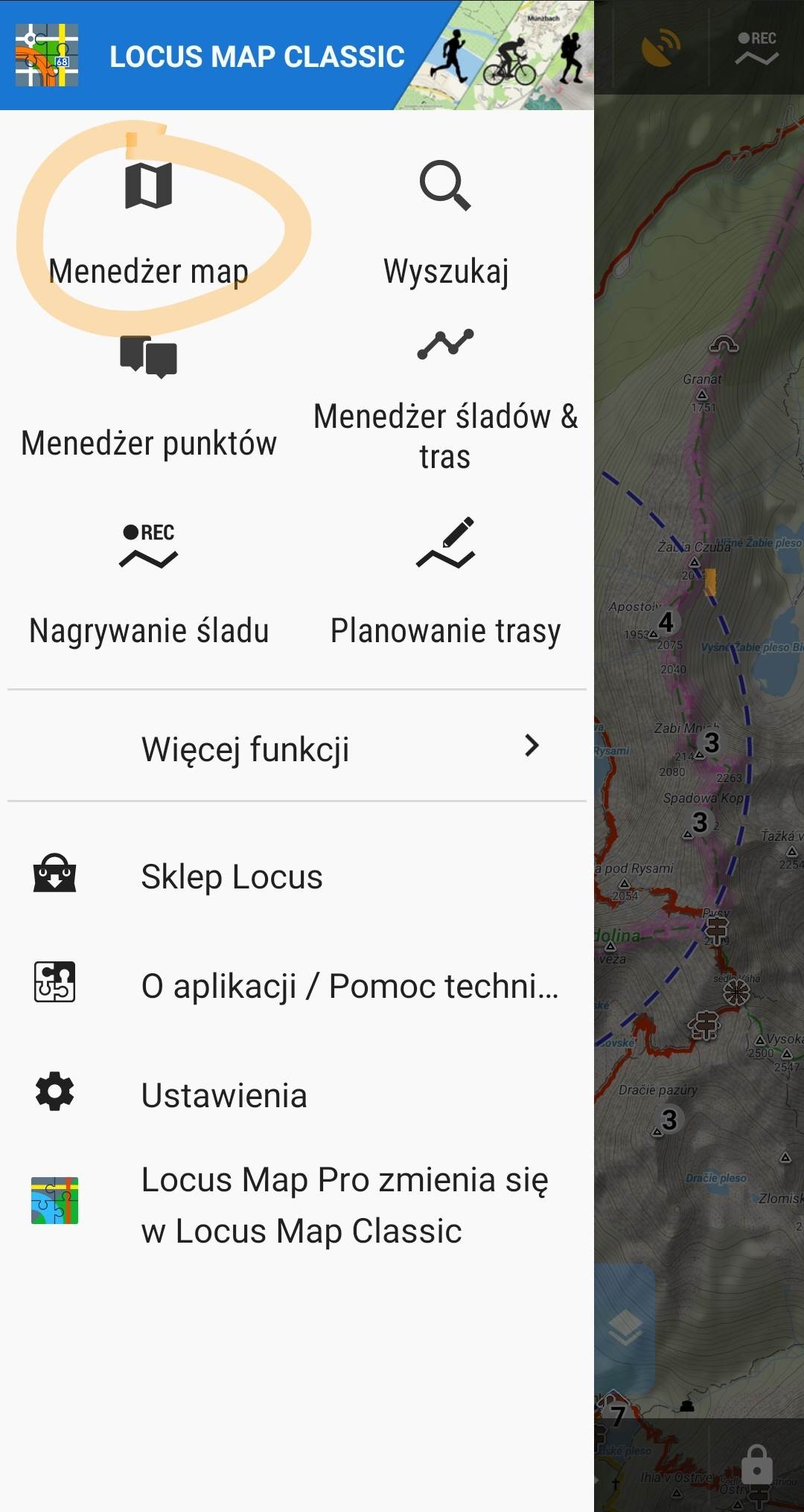
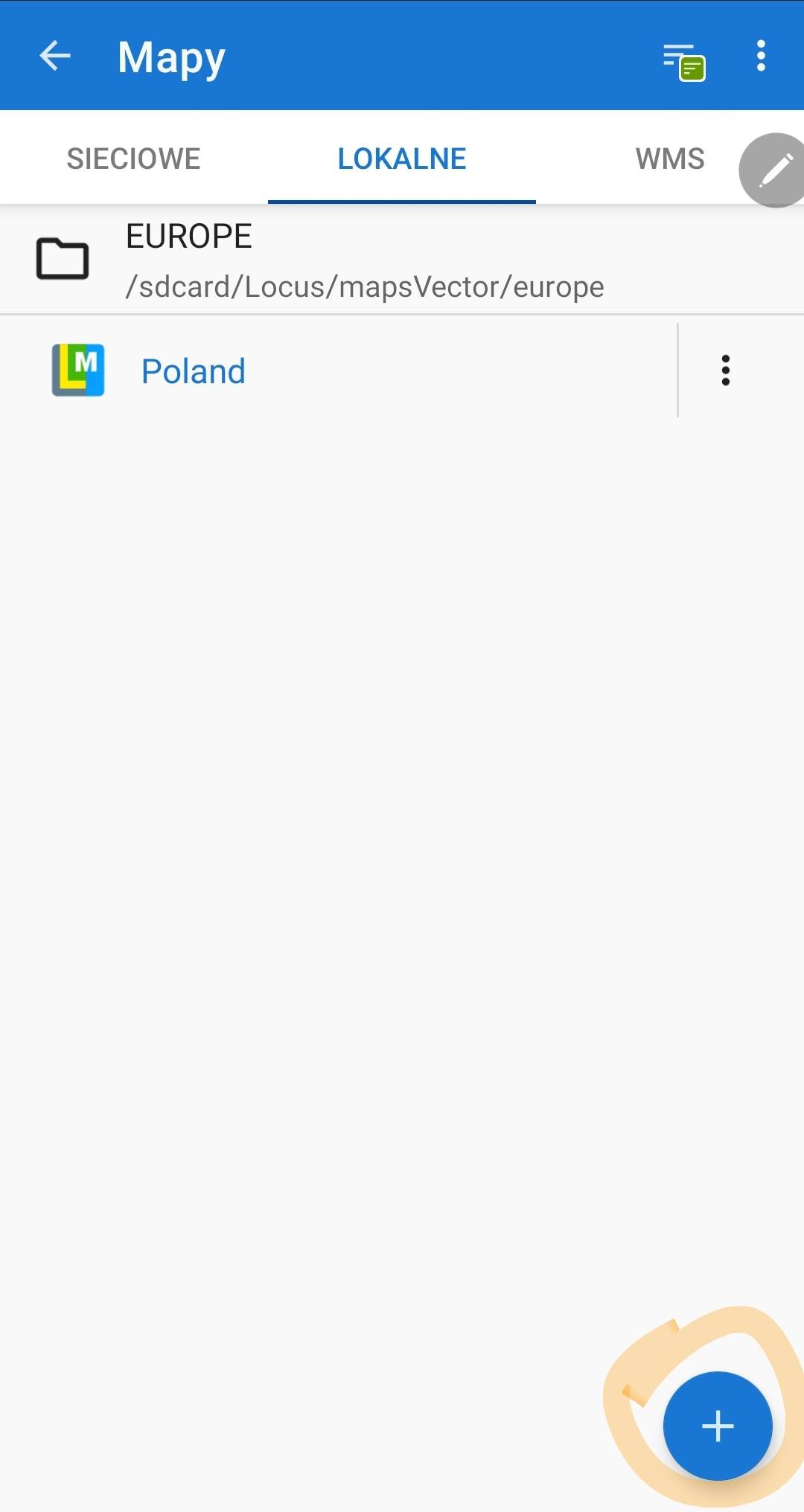
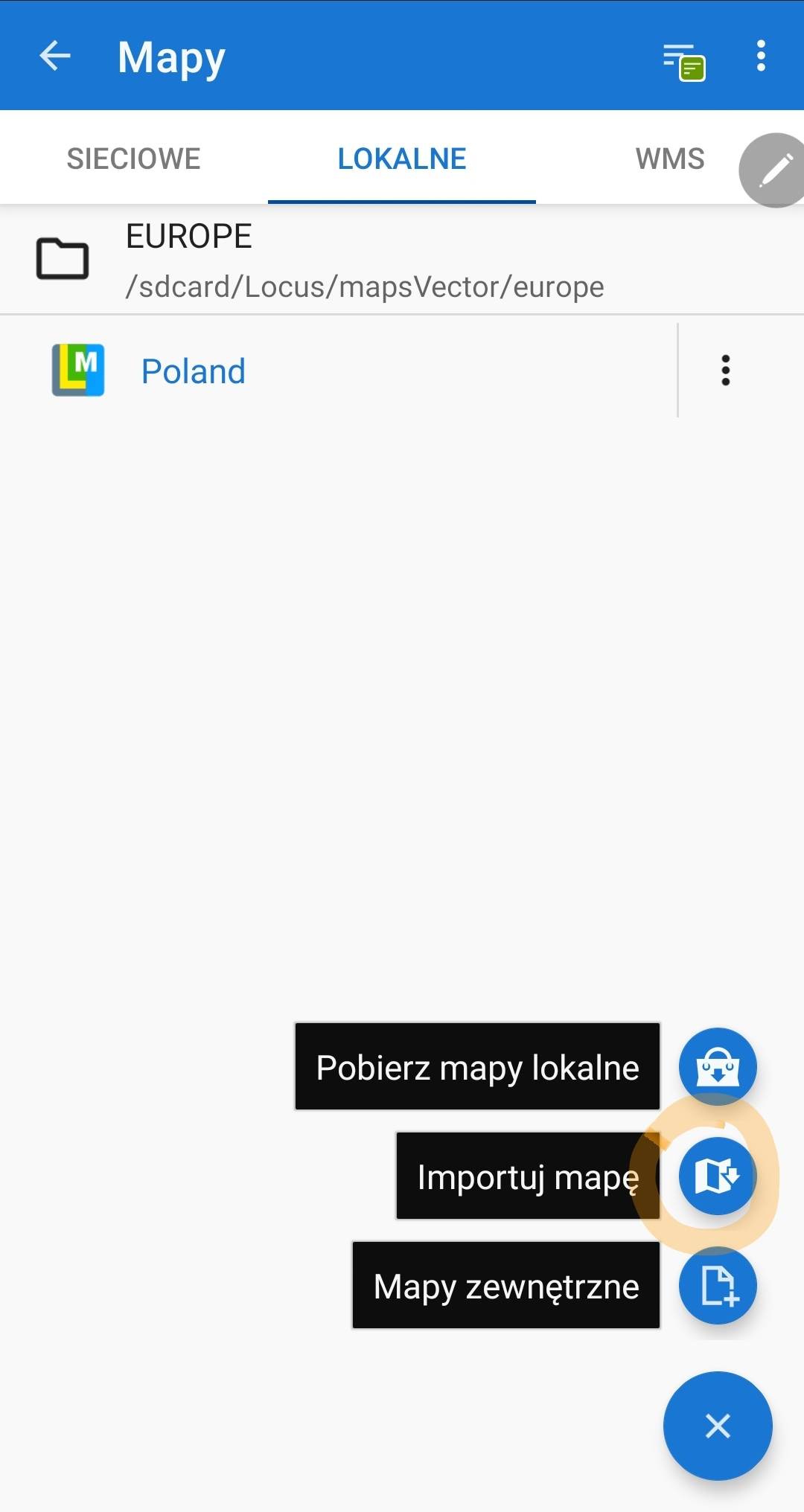
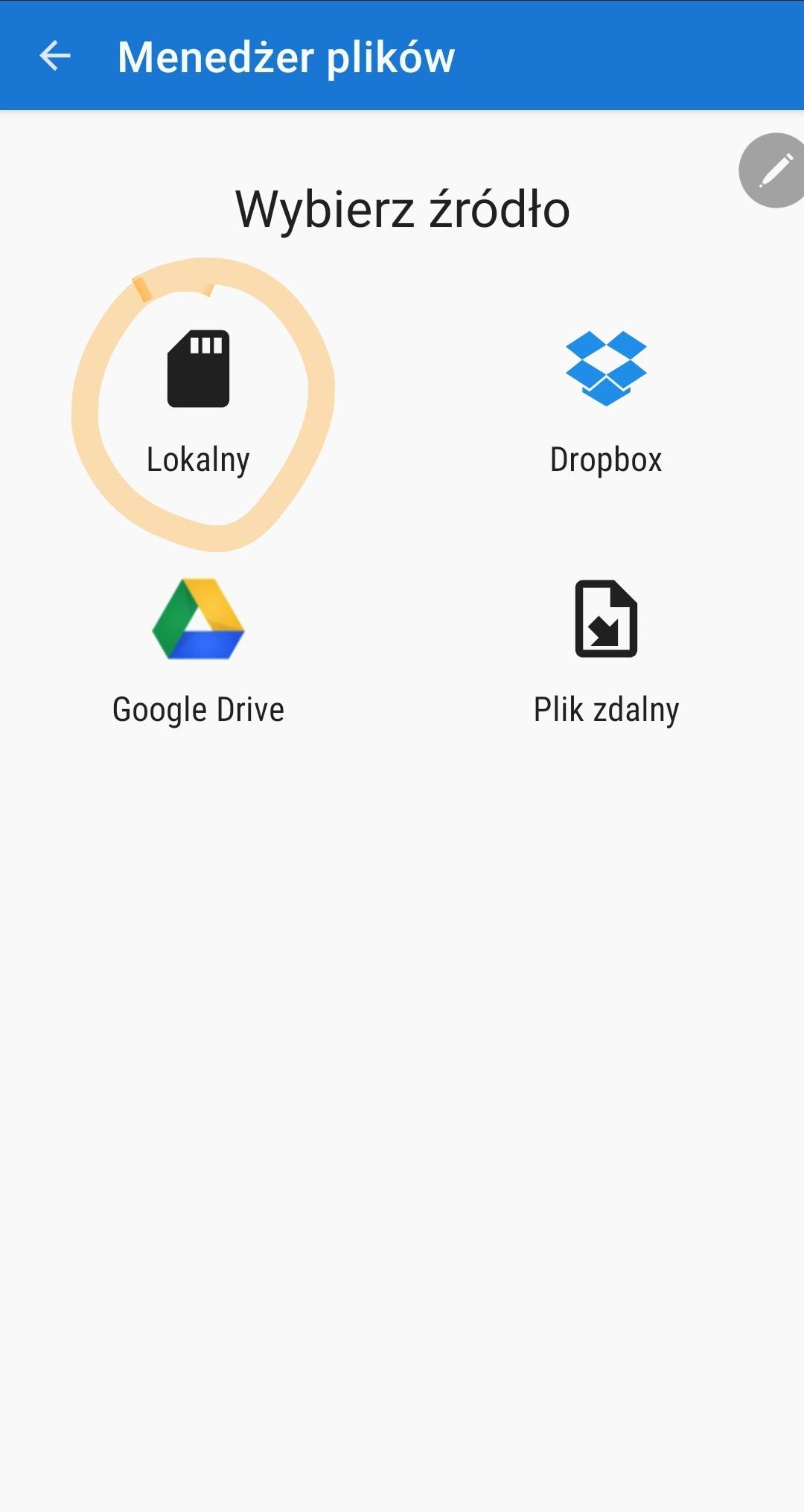
and then select the downloaded .mbtiles file and confirm Import.
For the map to display properly, the "Optimize raster map resolution" option should be turned off.
IMPORTANT! To open the received file in the application, unfortunately, the PRO version is required!
Find the file in the app Files app, click and hold on it to see the options, then select "Copy to Guru Maps".
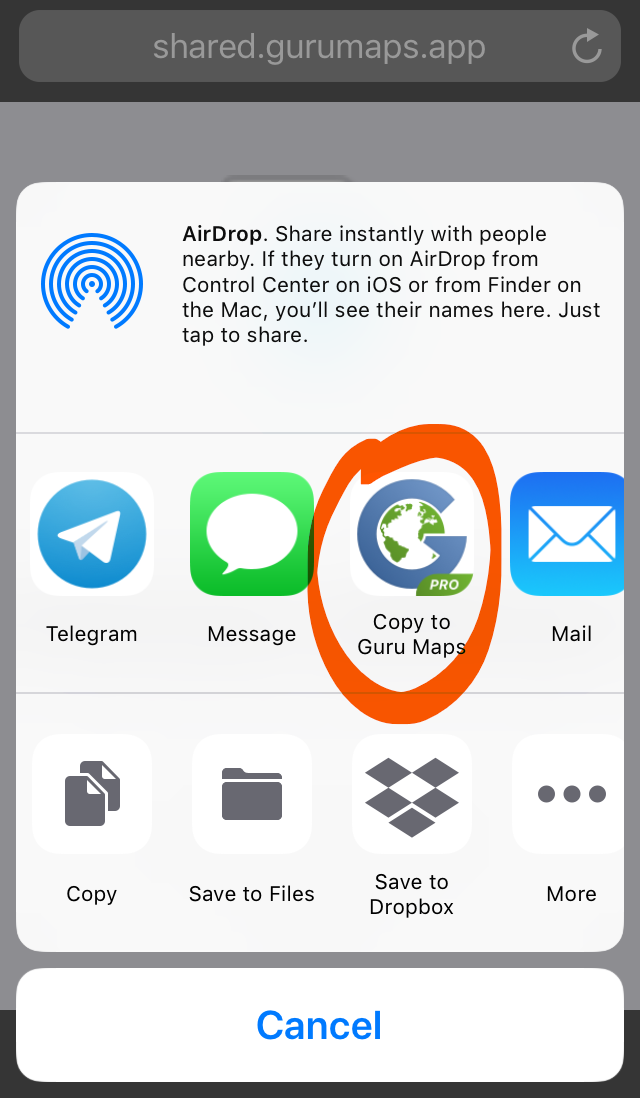
More on: https://gurumaps.app/manuals/ios/05-tips-and-tricks-and-troubleshooting.html#importing-offline-maps